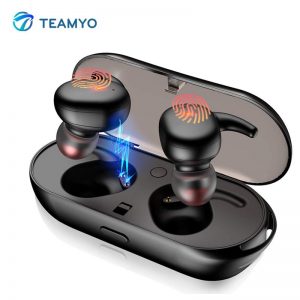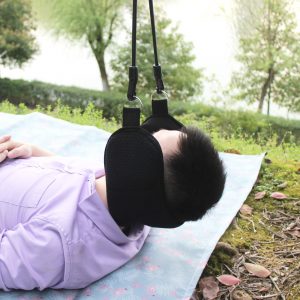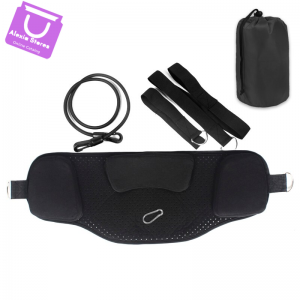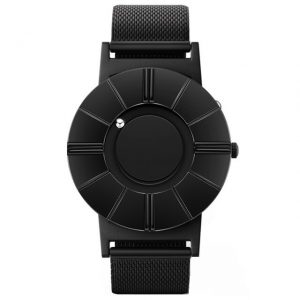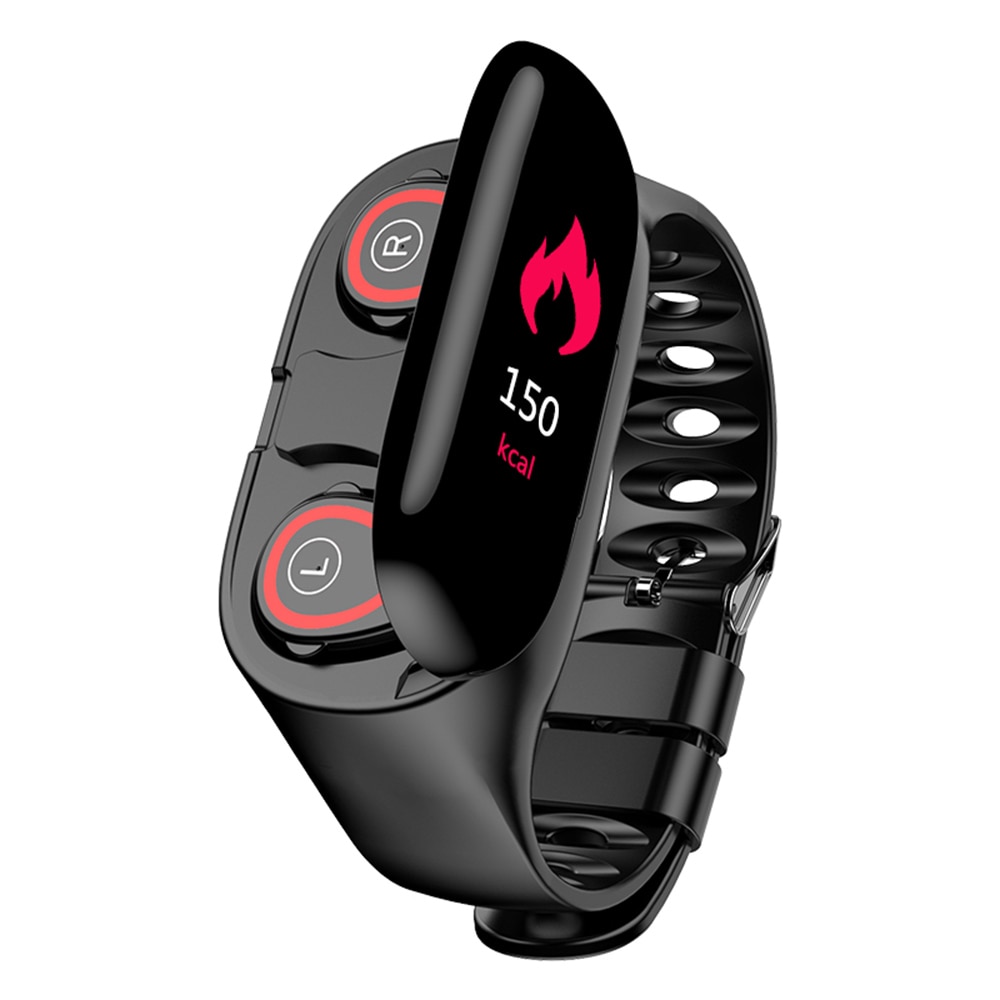
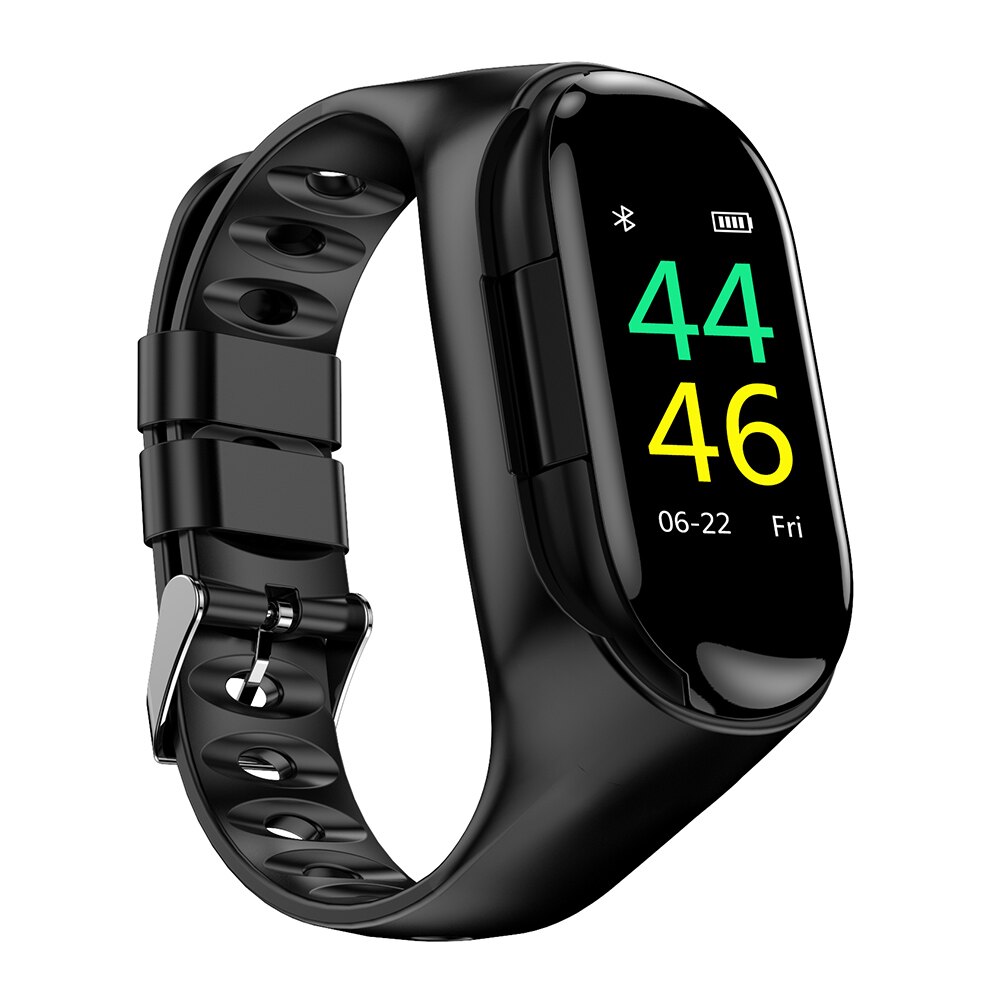
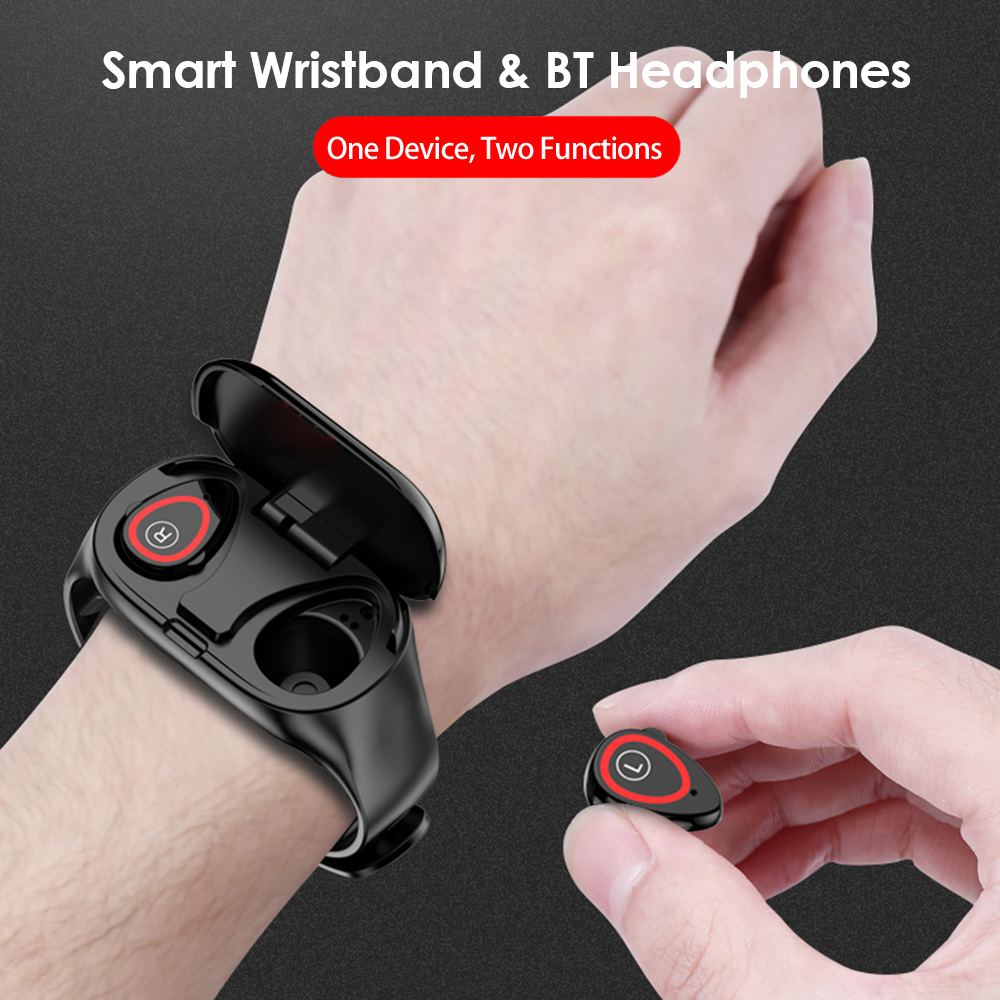

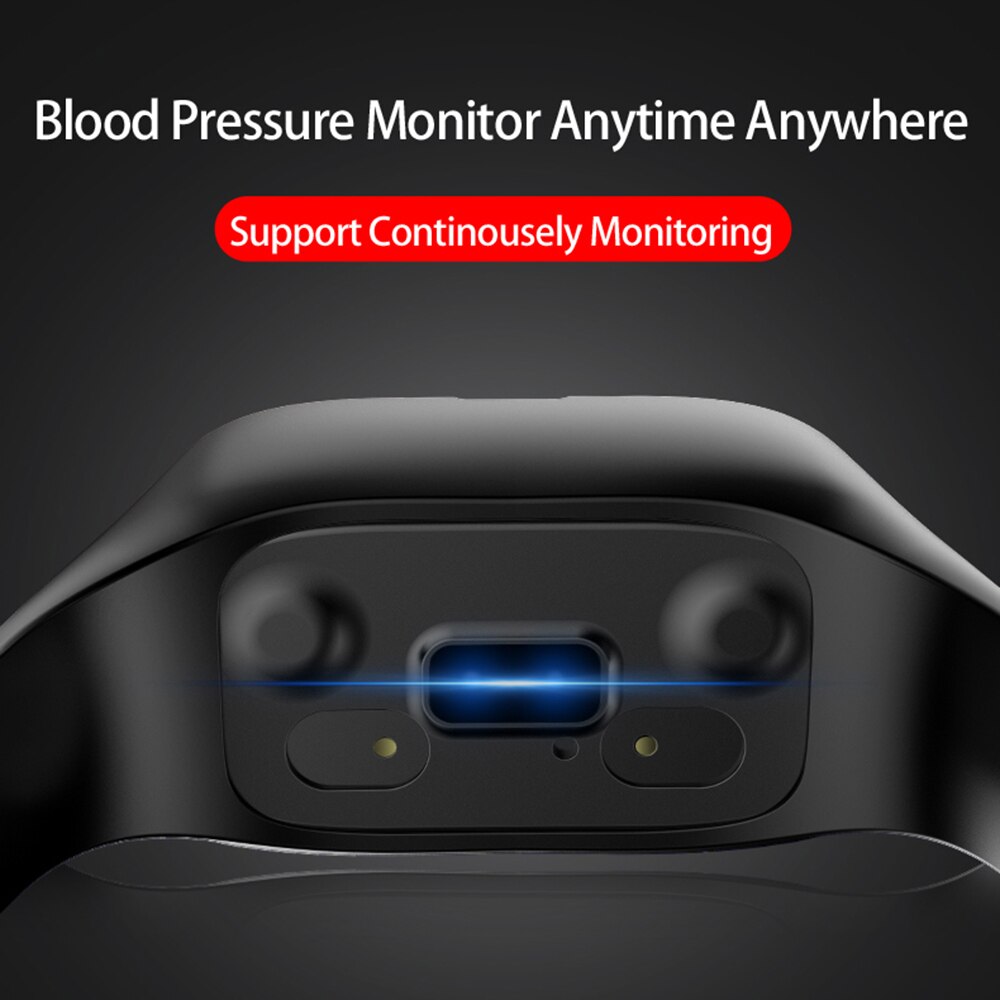
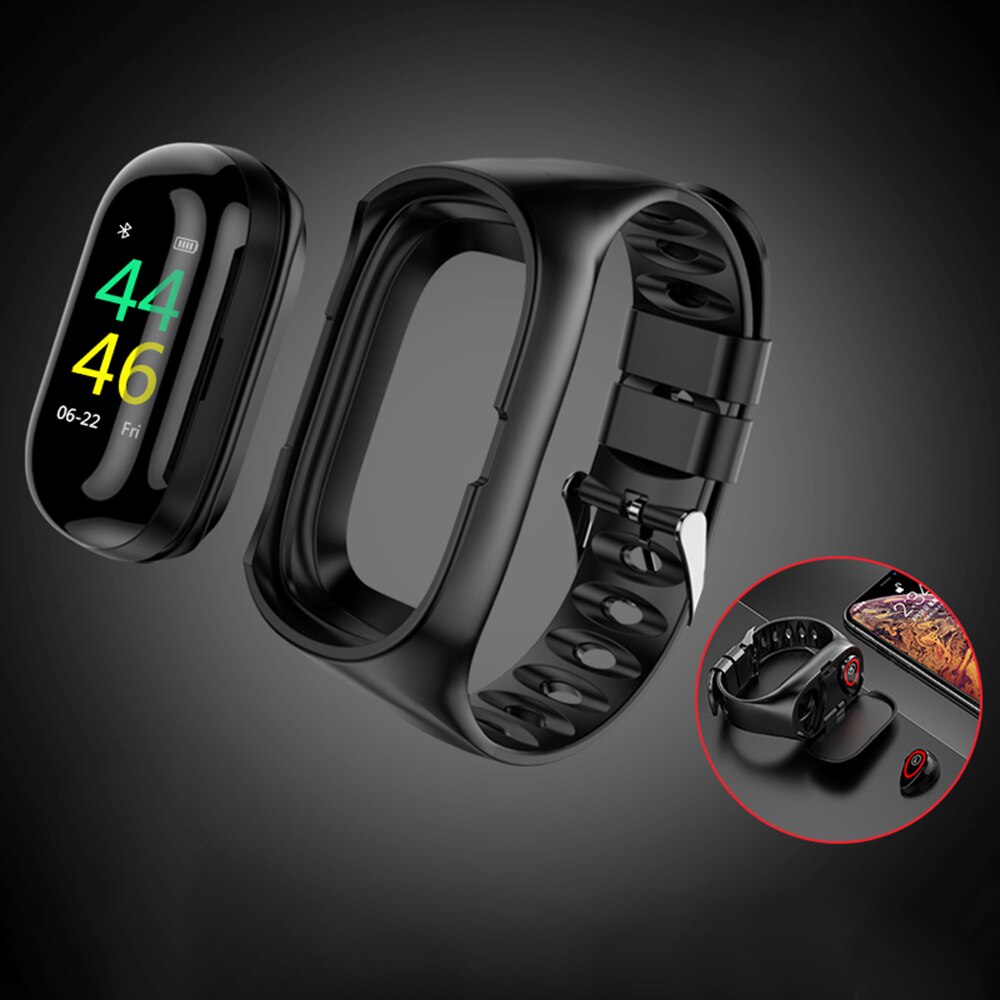
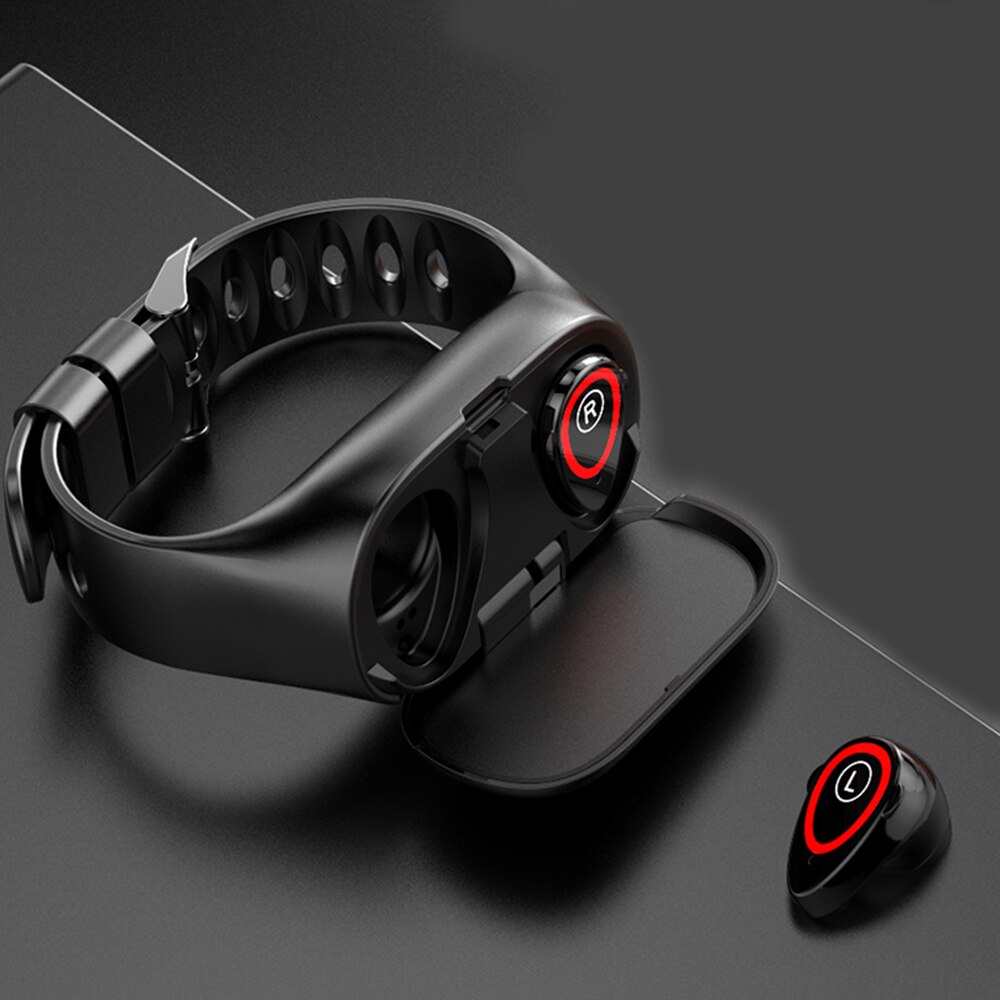

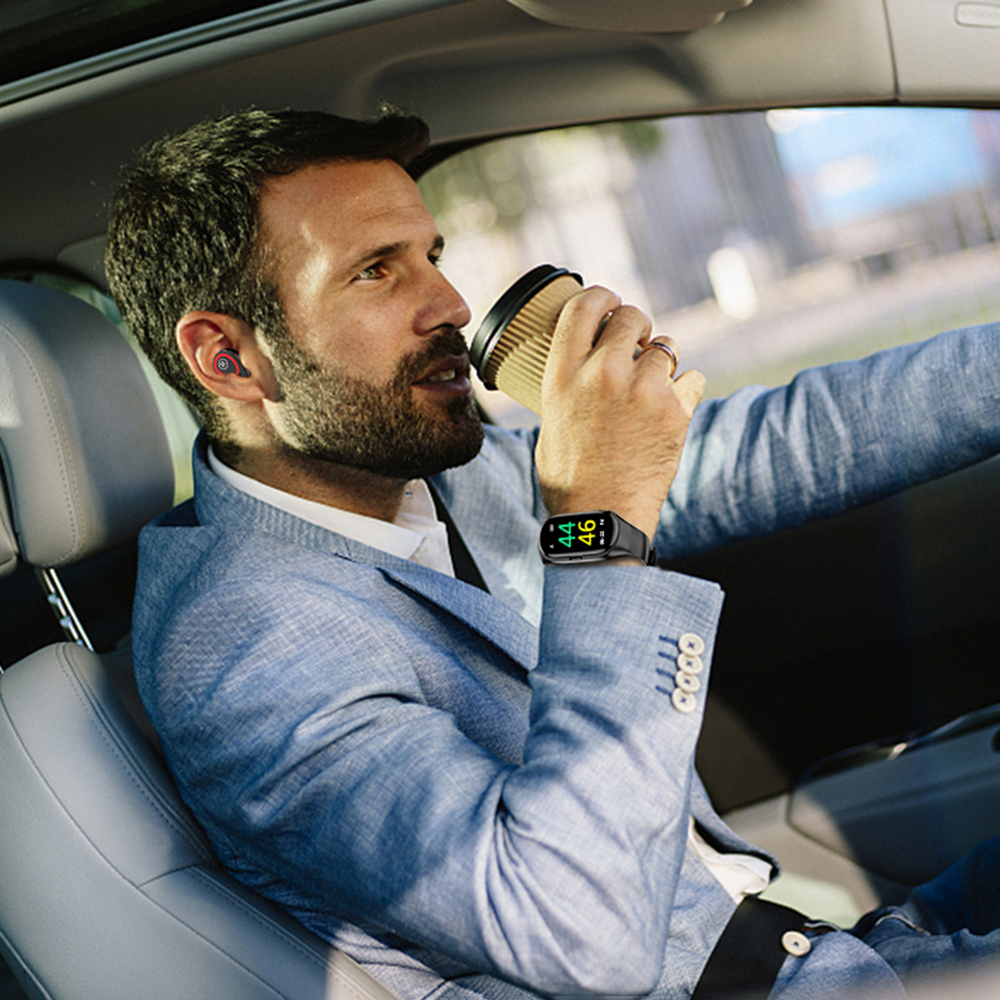
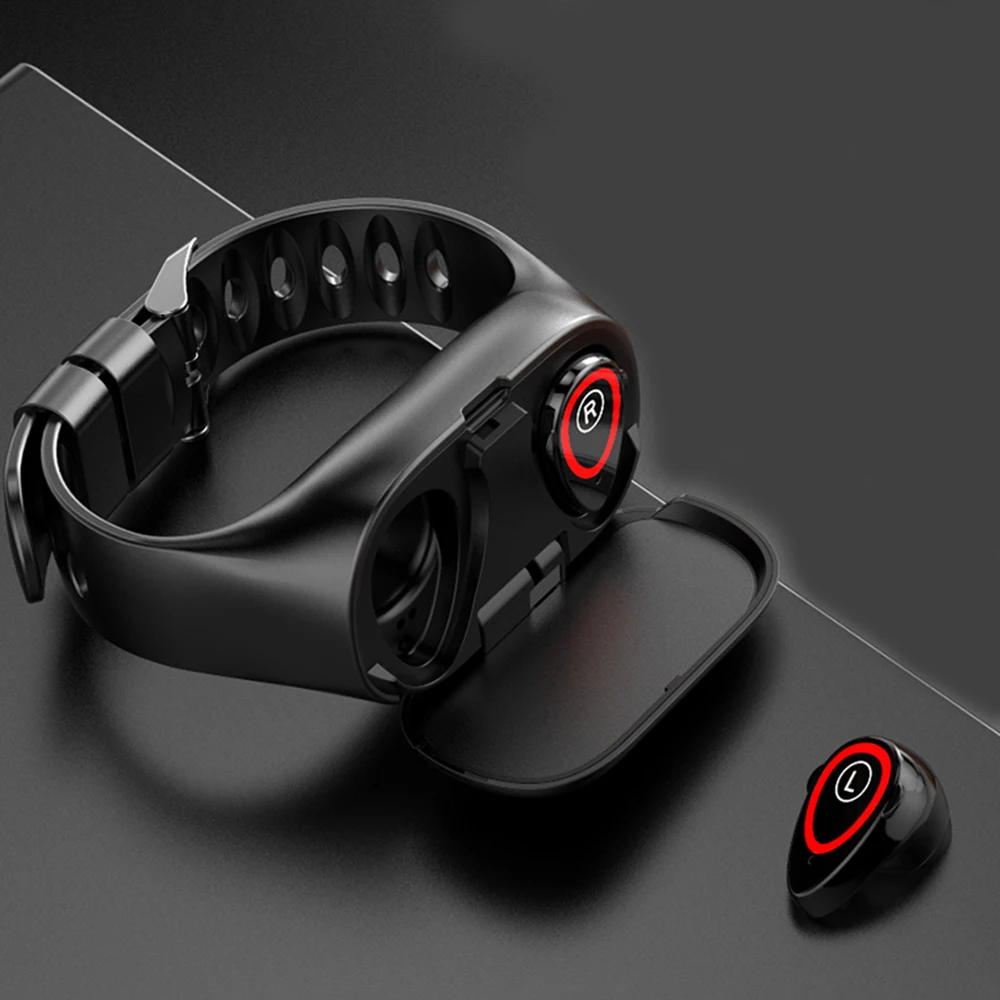
The smart bracelet is used to charge or keep your headphones, as it’s scientifically designed for holding headphones, convenient to carry it away.
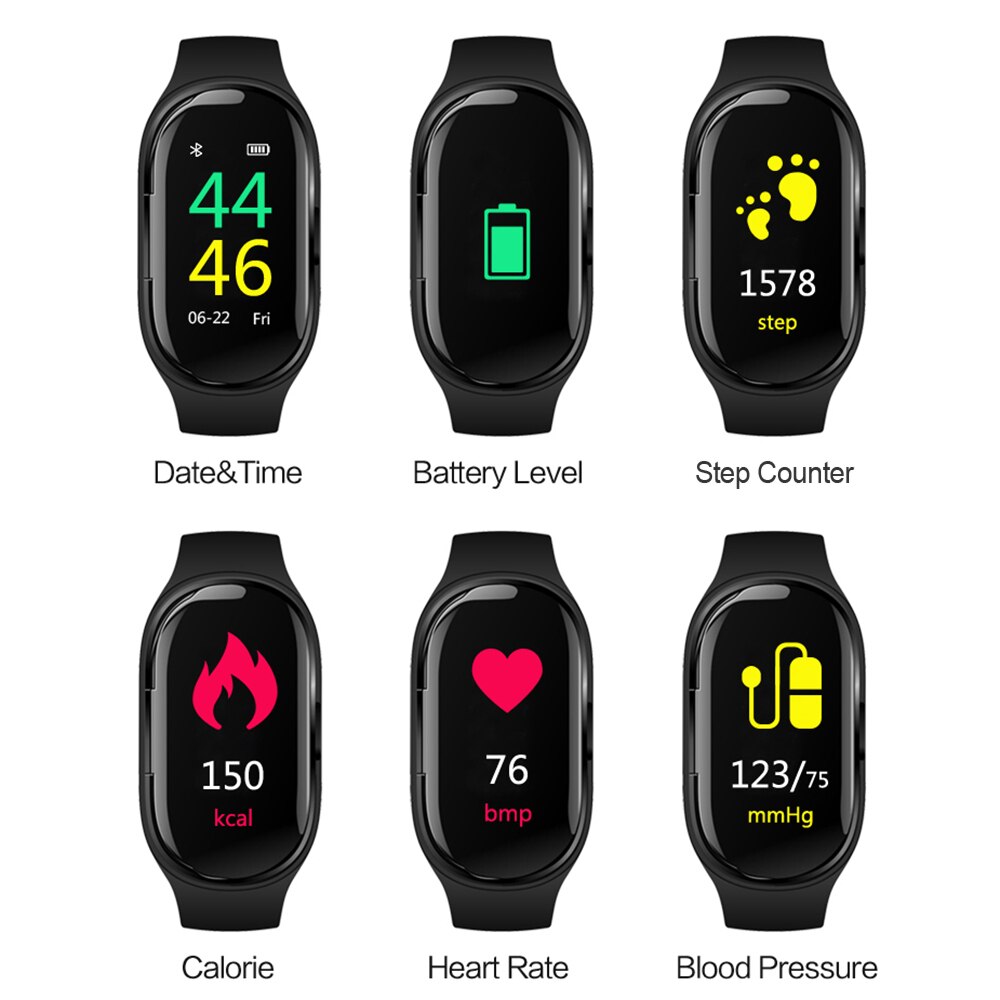
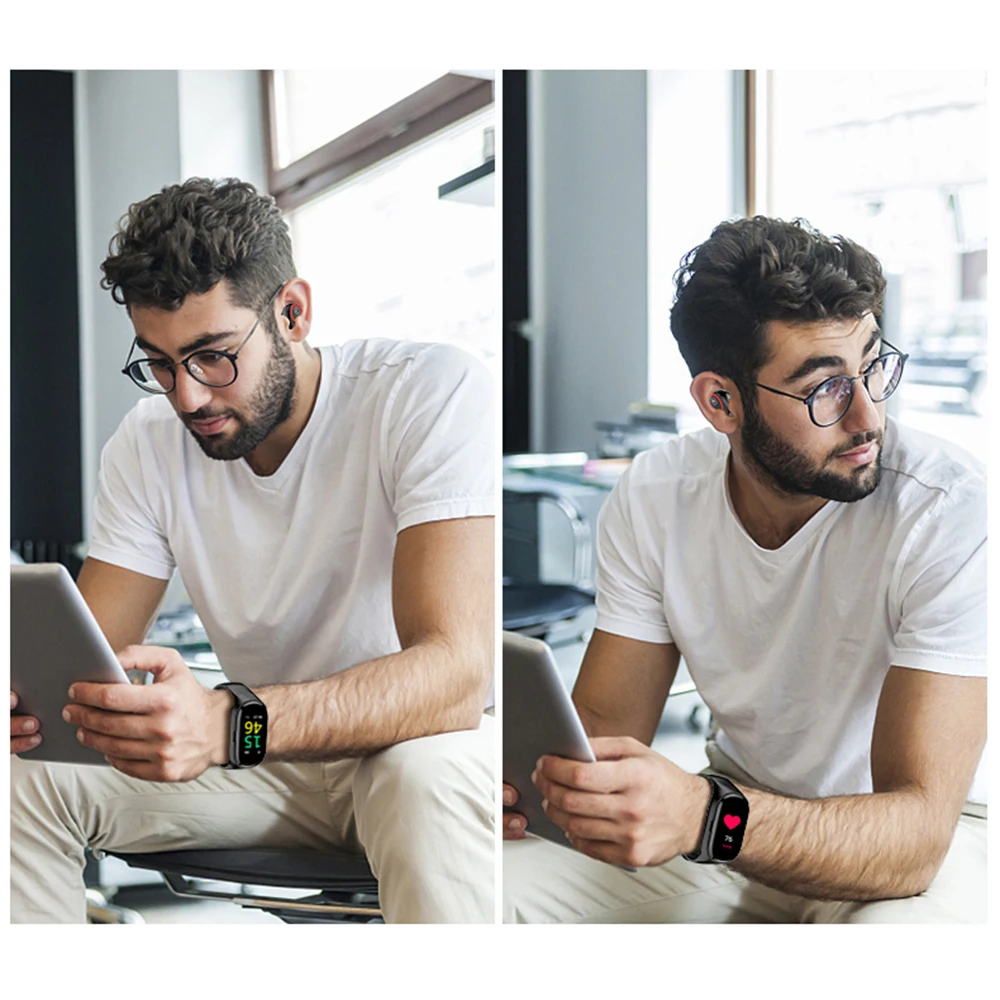
Versatile, it can track your activities all day long and tell you data about heart rate, steps, distance, calories burned, active minutes, etc. Can receive call and message and be woke up by the voice assistant of your cell phone, never miss the important messages.

How it works:
iPhone to Apple AppStore store to search for “AMKang” software and download.B: Android downloads the AMKang software by QR code recognition.4.BLE connection device and pairing
1) BLE connection: Search for the device model and connect in the Settings > Device interface of the APP. When the connection is successful, the device model AMKang will be displayed under the My Device of the APP. Also in the upper left corner of the time interface on the device can be seen. Bluetooth symbol shows successfully connected.
If you do not see the symbol indicating that the connection is unsuccessful, please re-operate. The time is automatically synchronized when the connection is successful.
2) After the first connection is successful, the device will be automatically connected after the device is turned off and the signal range is turned off and then returned to the host.
3) APP connects to the second or third device….. device, please unbind the app first, and then connect the device.
Note: The connection of the device can’t be connected under the Bluetooth function of the mobile phone. You must connect to the device before you can use it in the app.
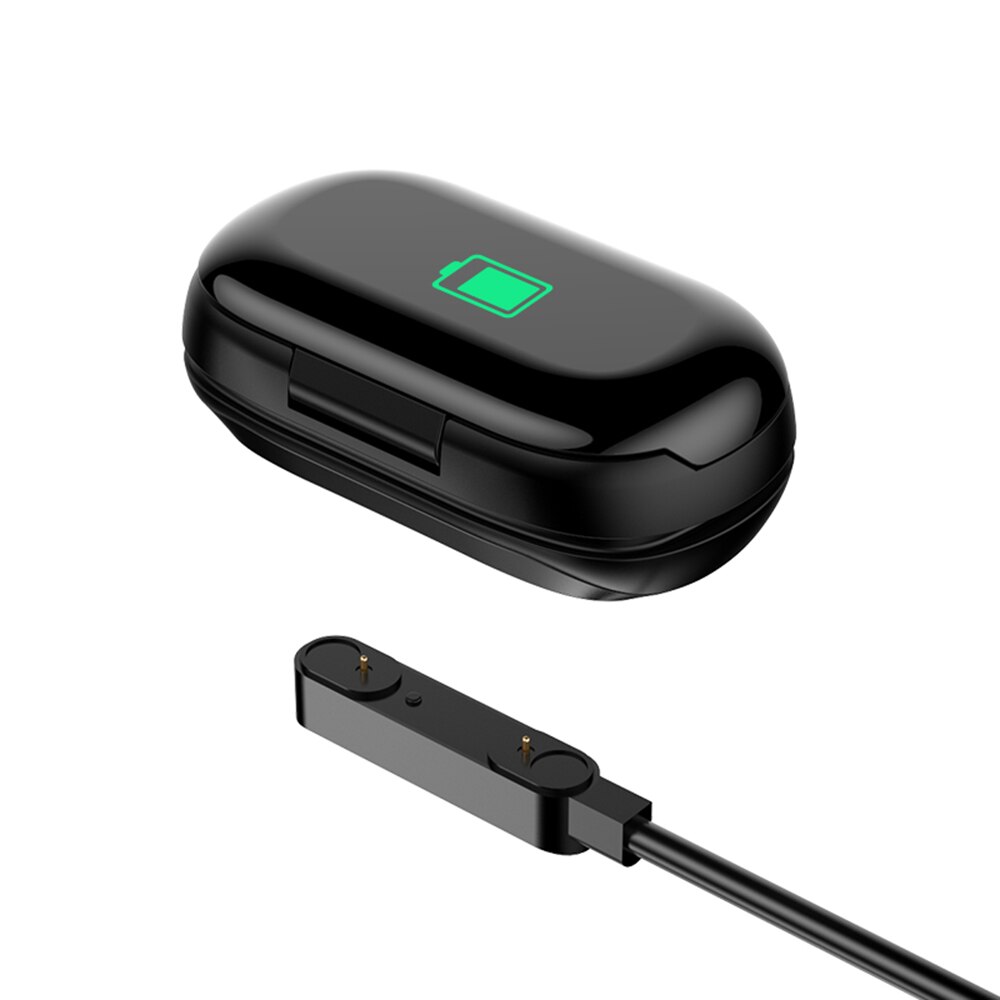
For the smart bracelet, it’s magnetic USB rechargeable, bringing more convenience to your life. For office workers, you can set a silent alarm to wake yourself up at the best time. Easy to use, connect the app first with the band, it will automatically sync time. In order to know more about your sleep quality, it can be your monitor.
Connection and Matching considerations:
- Turn on the Bluetooth of the mobile phone
- Please turn on or charge before use if fully charged
- Be sure the device is within 50cm of the phone when pairing the connection;
- If the Android phone does not find the device in the mobile app, please check whether the “AMKang” is allowed to use Bluetooth in the phone permission setting;
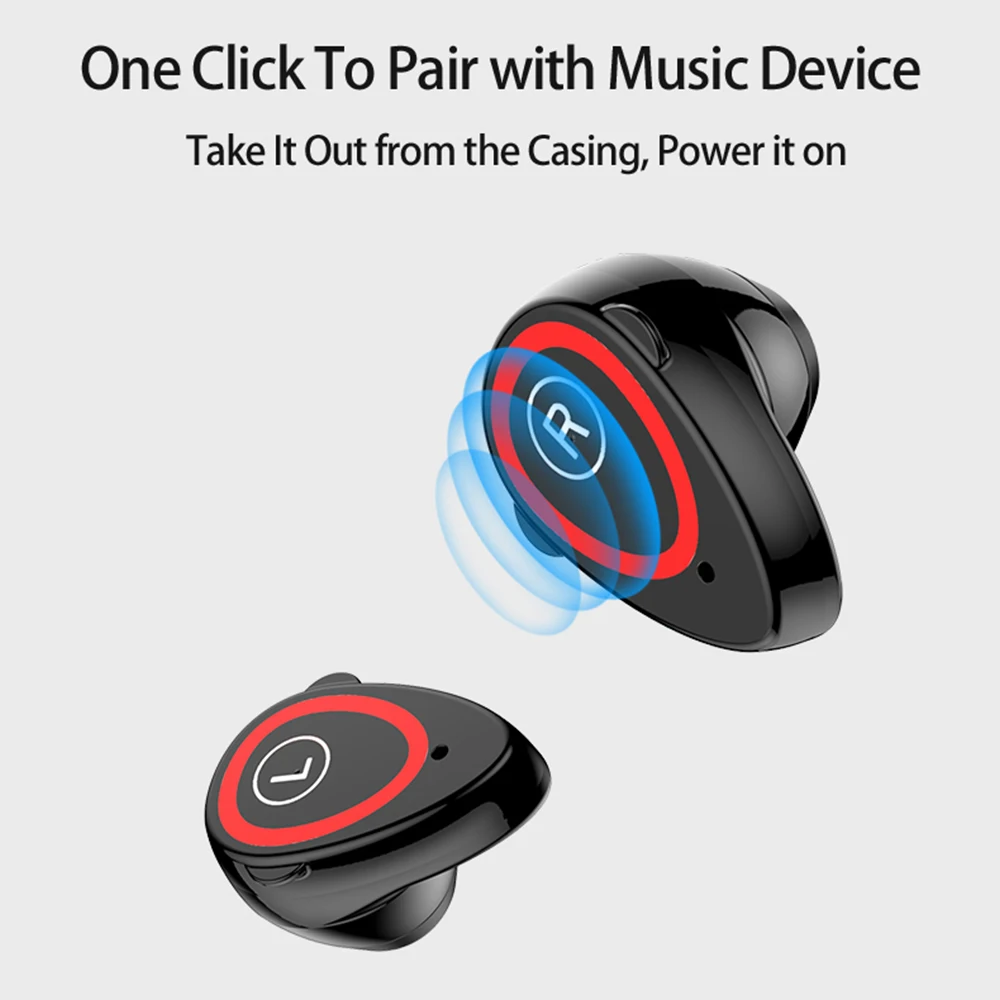
5) When pairing the headphones, make sure that the headphones are taken out from the wristband host;
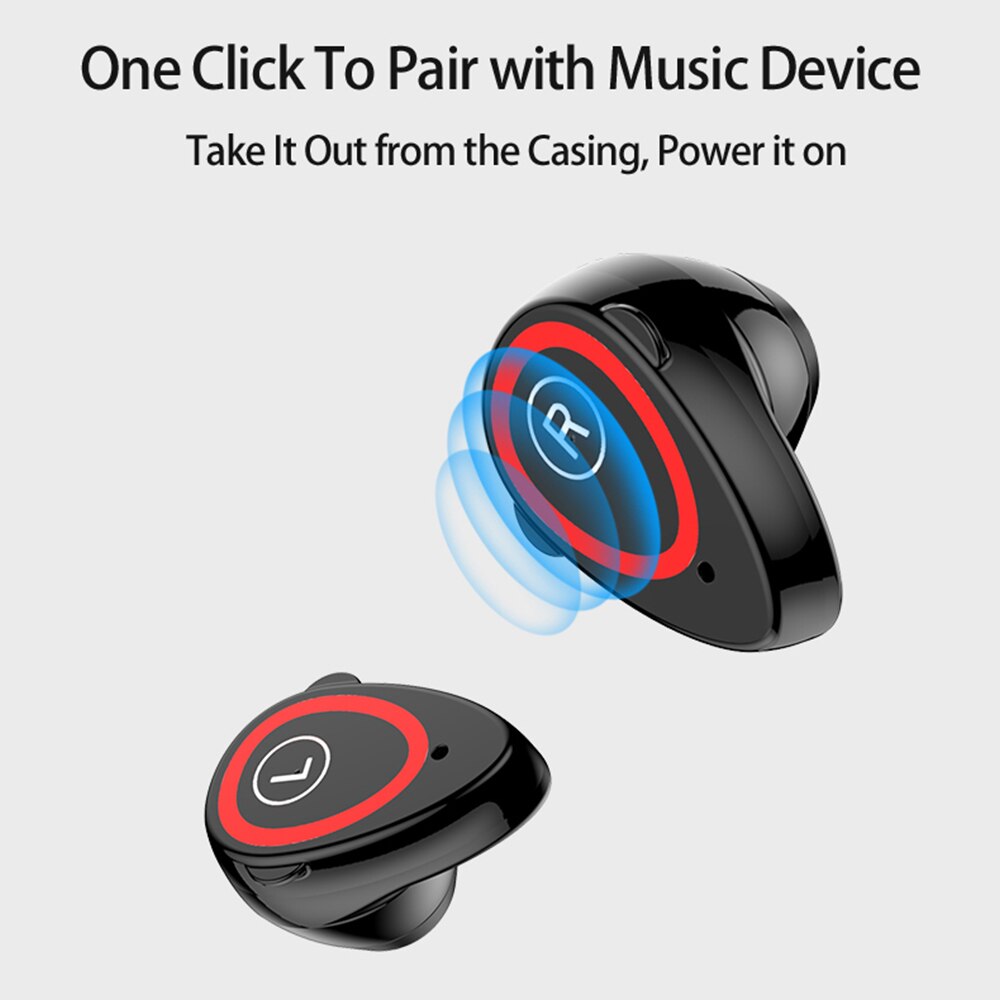
Take the earphone out of the wristband host. There is a power-on prompt tone, turn on the Bluetooth on the phone settings, find the corresponding Bluetooth name (SH30L) and pair it with the connection.
After that, only the name of the main Bluetooth is displayed, with “L”). When the pairing is successful, the setting shows “Connected”, indicating that the product is connected successfully.
Afterward, put it back into the wristband host, and then remove the headset from the wristband host to automatically power on and connect. After the headset is successfully paired, reconnect in the Bluetooth settings of the phone.
Headset pairing: first turn off the two headphones, then long-press the button 16S, release the hand, and then press the button at the same time will automatically complete the pairing. To connect please turn off the Bluetooth connection.
The middle touch button of the earphone is a dedicated button for the Bluetooth earphone. Use it to answer incoming calls, rejecting incoming calls, muting calls, calling back calls, and activating voice assistants in the headset state.
The earphone is long outside the base of the wristband, and the incoming call needs to be manually answered.
Double-click the button to answer the call; Double click to hang up the phone. Long press to reject the call. During the call, put the headset back to the base headset to turn off the phone.
If other party does not turn off the phone, then automatically switch to the mobile phone to answer. Mute the call while the headset is in a call. Press and hold the touch button 3S to enter the mute, then press and hold to return to the call.
When the headset has an incoming call in the base of the bracelet, the device will vibrate and display a reminder. Touch the touch button to remotely operate the manual mute. Press and hold the touch button for 3 seconds to reject it directly. Call back Double-click the button to call back the number of the last call.
Touch the “touch” button to activate the Siri of the iPhone, the voice assistant of the android phone. The execution success rate of the command after activating the voice assistant is related to the intelligence level of the mobile phone voice assistant itself.
When activating the voice assistant. You must ensure that the headset is away from the base of the bracelet and is inactive connection with the Bluetooth of the mobile phone. The activation operation is only valid on the standby interface or the time main interface.